




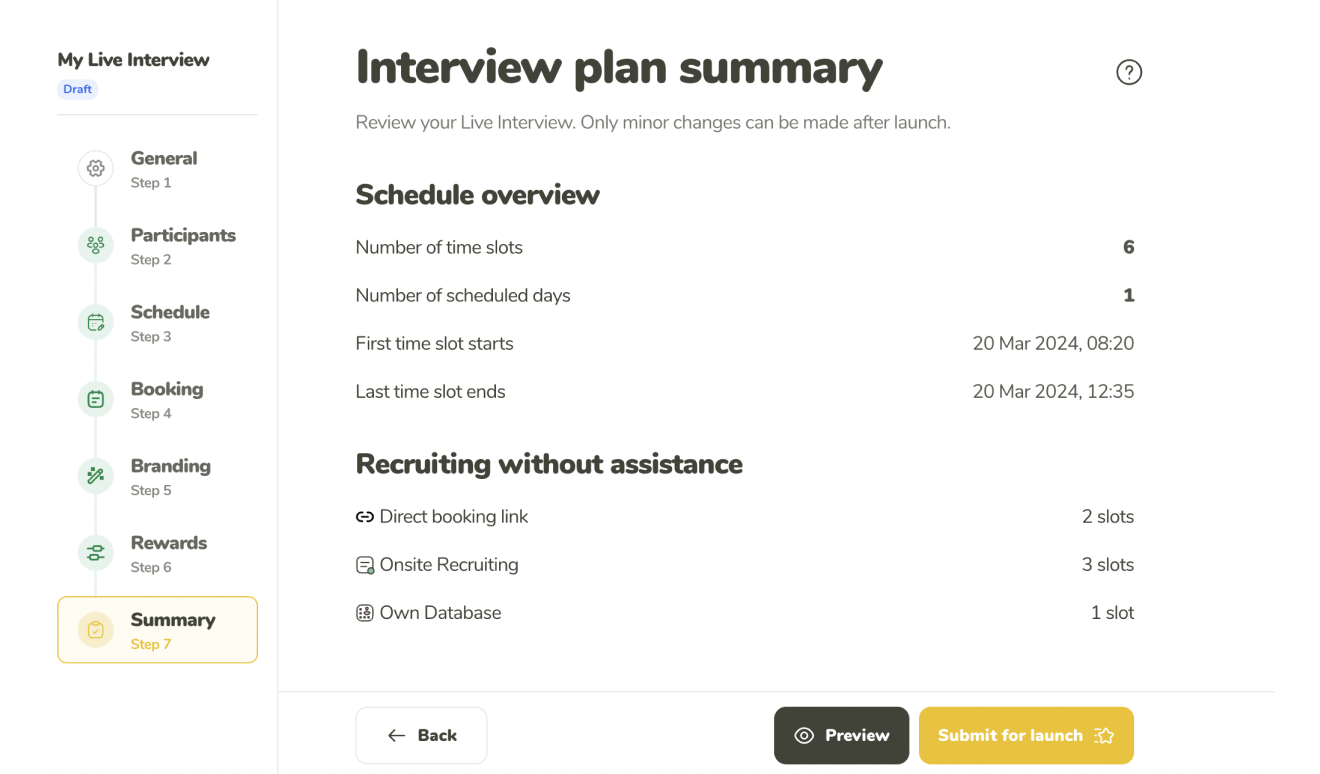

Own Database
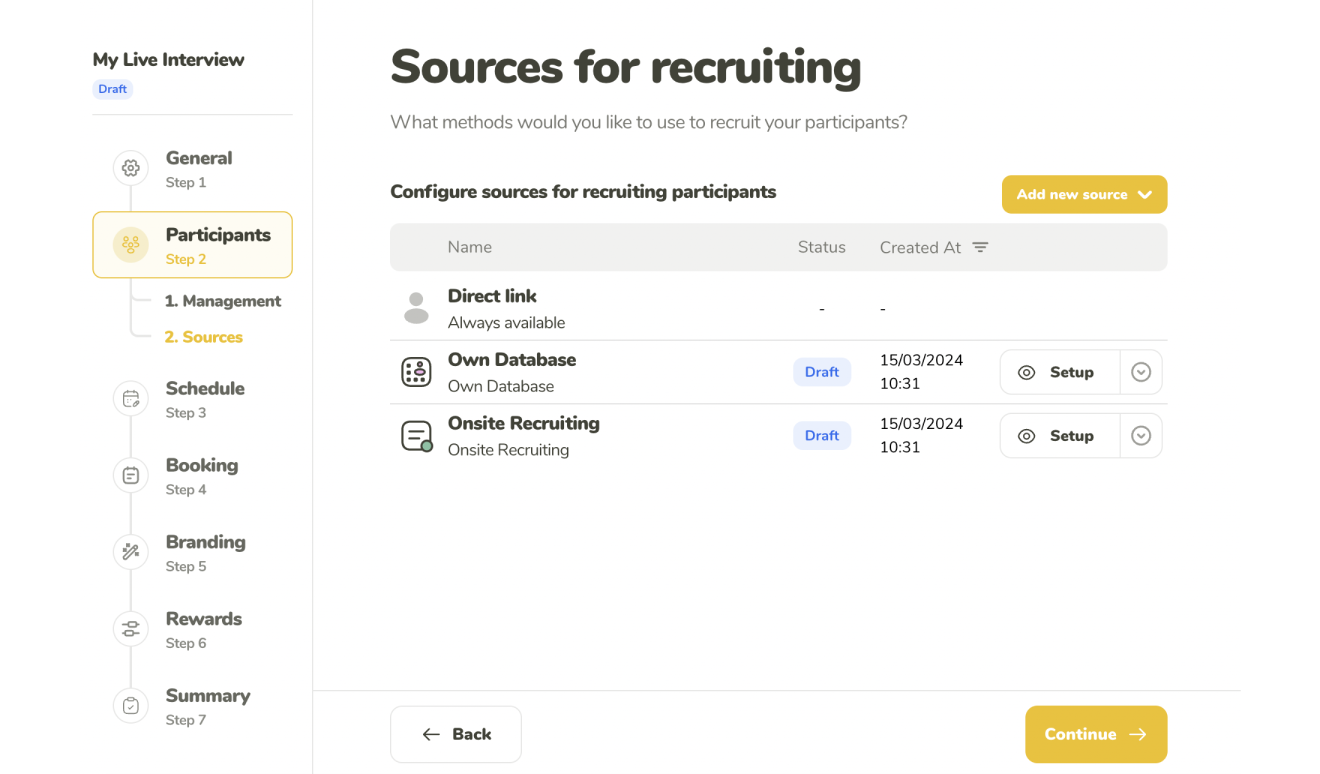
Use the Own Database and its mailing system to recruit participant from your own pool. Simply import them using a .csv or .xlsx file and start inviting them right away.








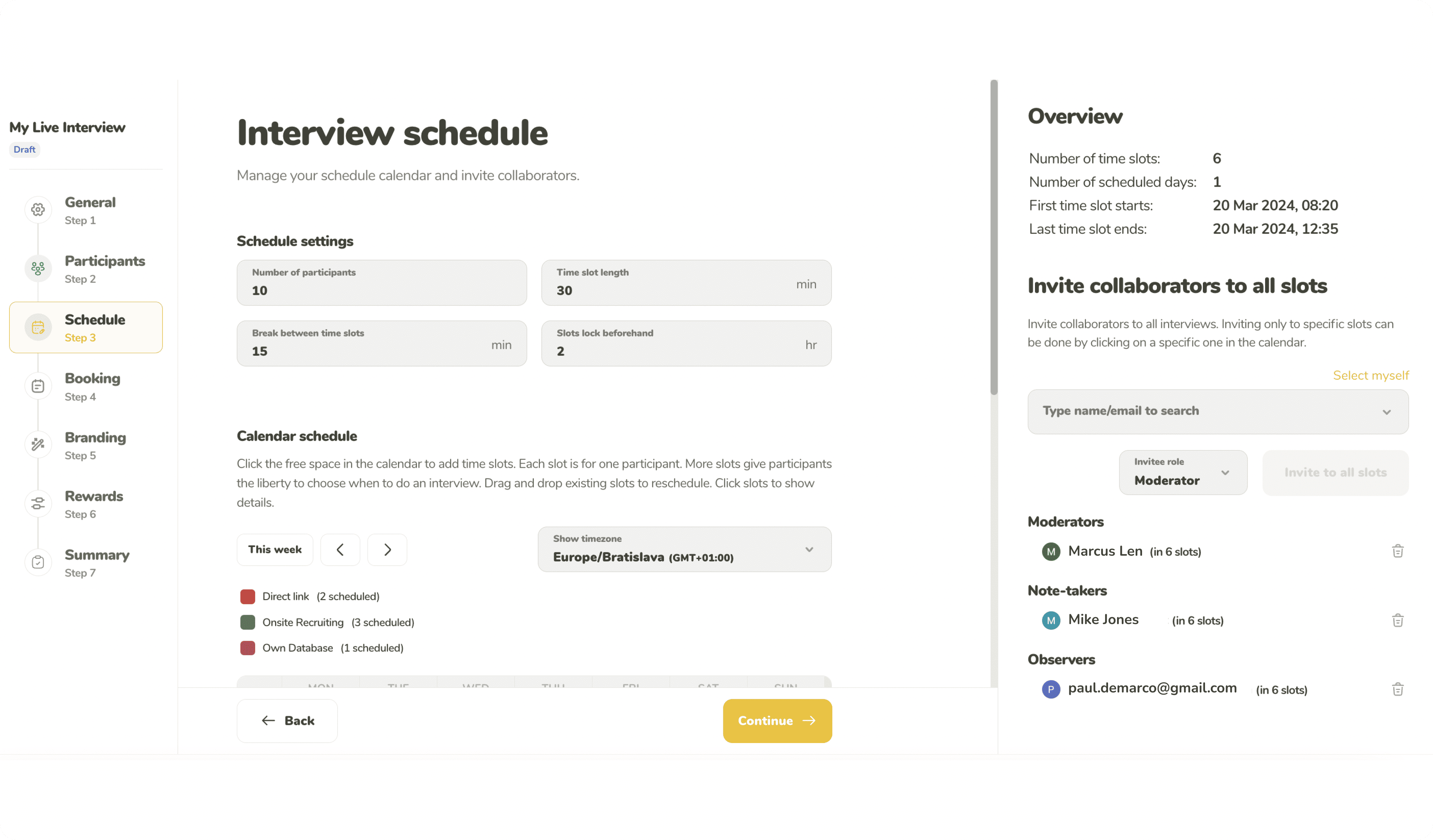
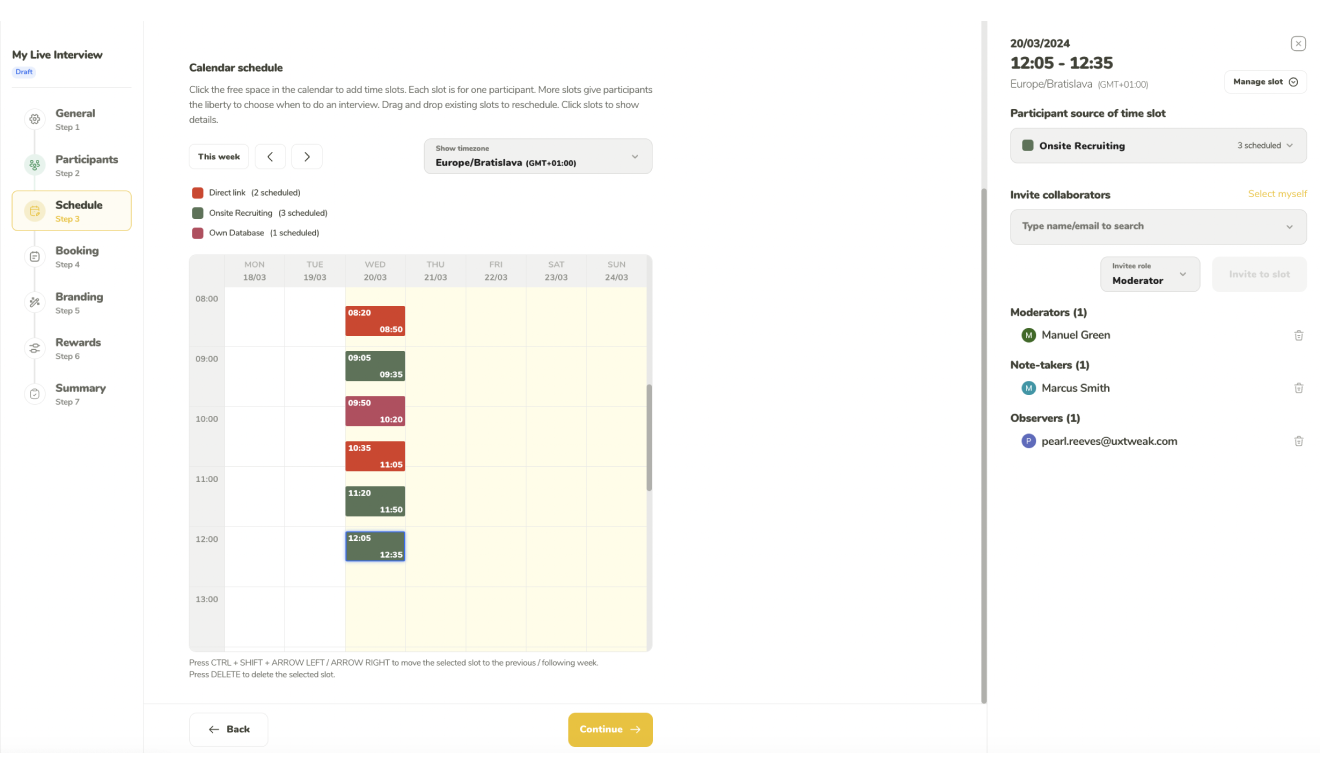
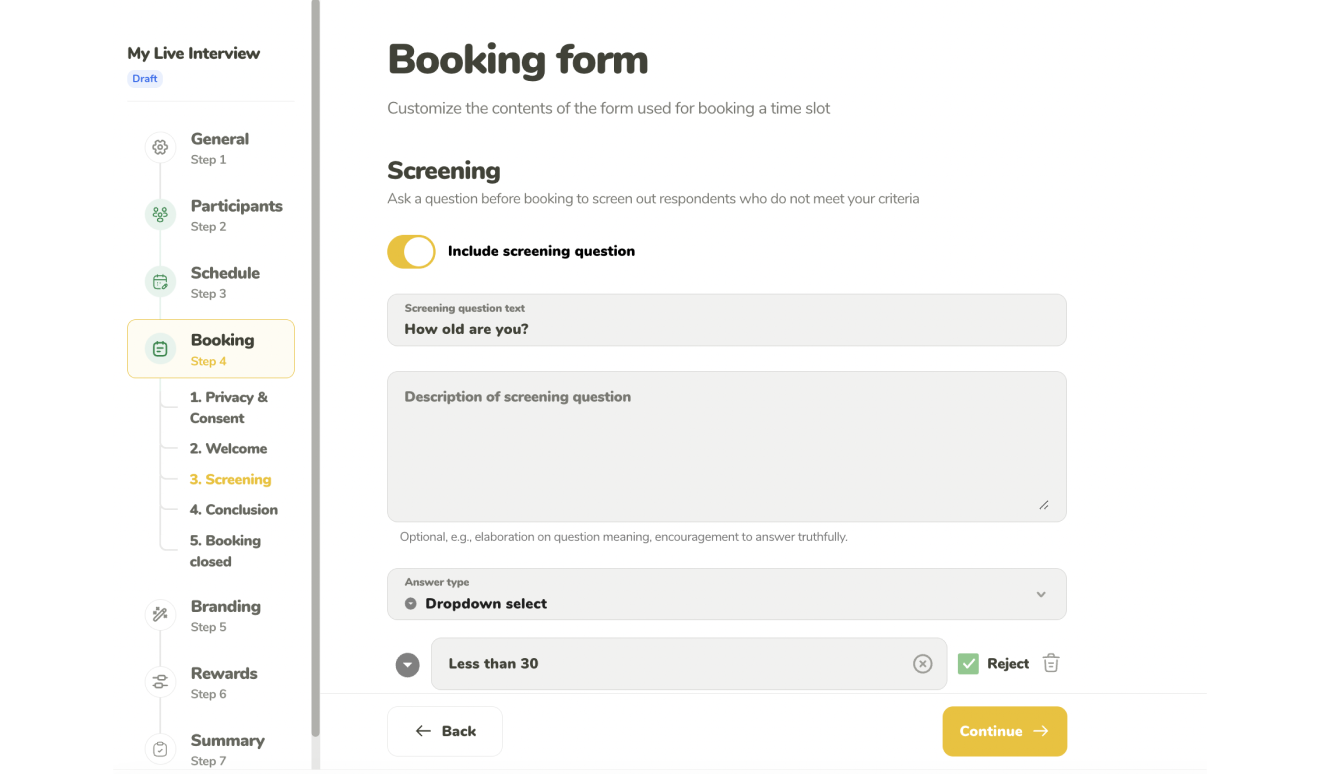
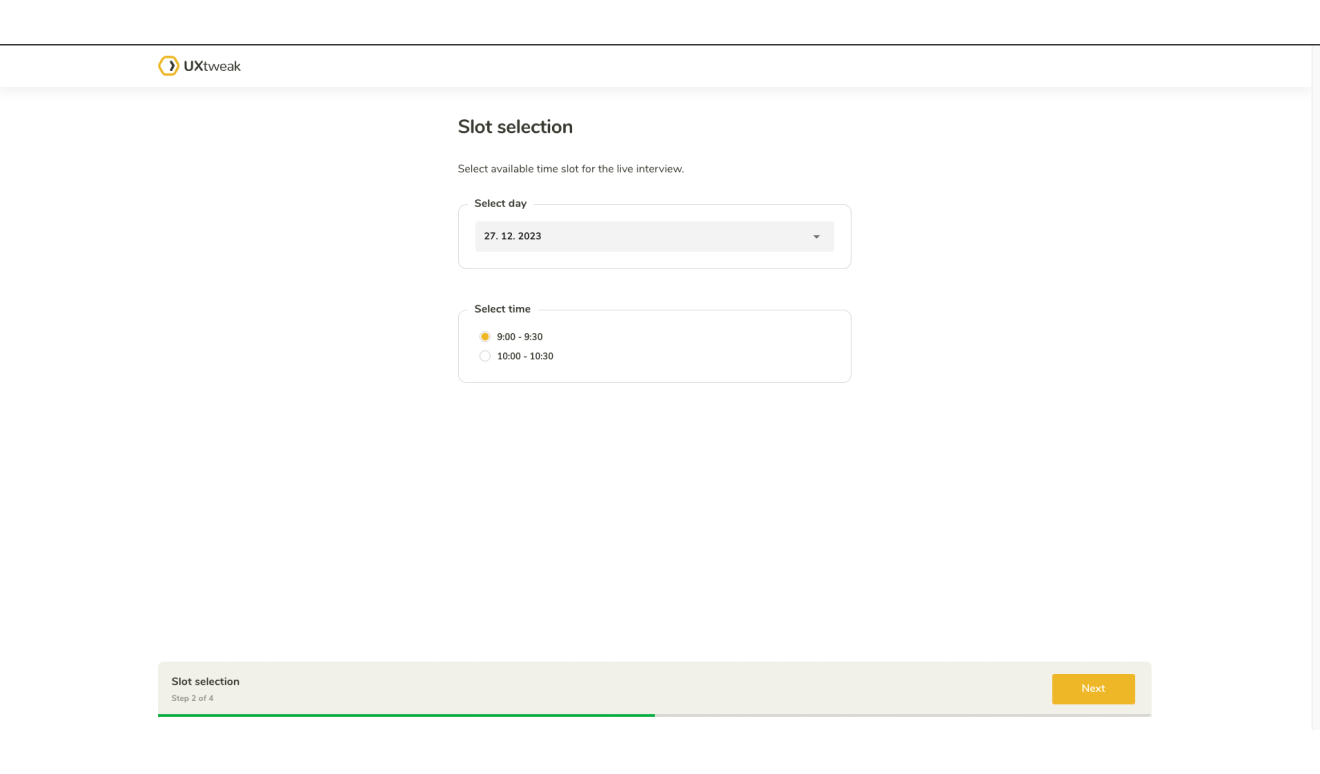
Use a calendar-based organizer to let your participants
know when you are available for calls. Invite your
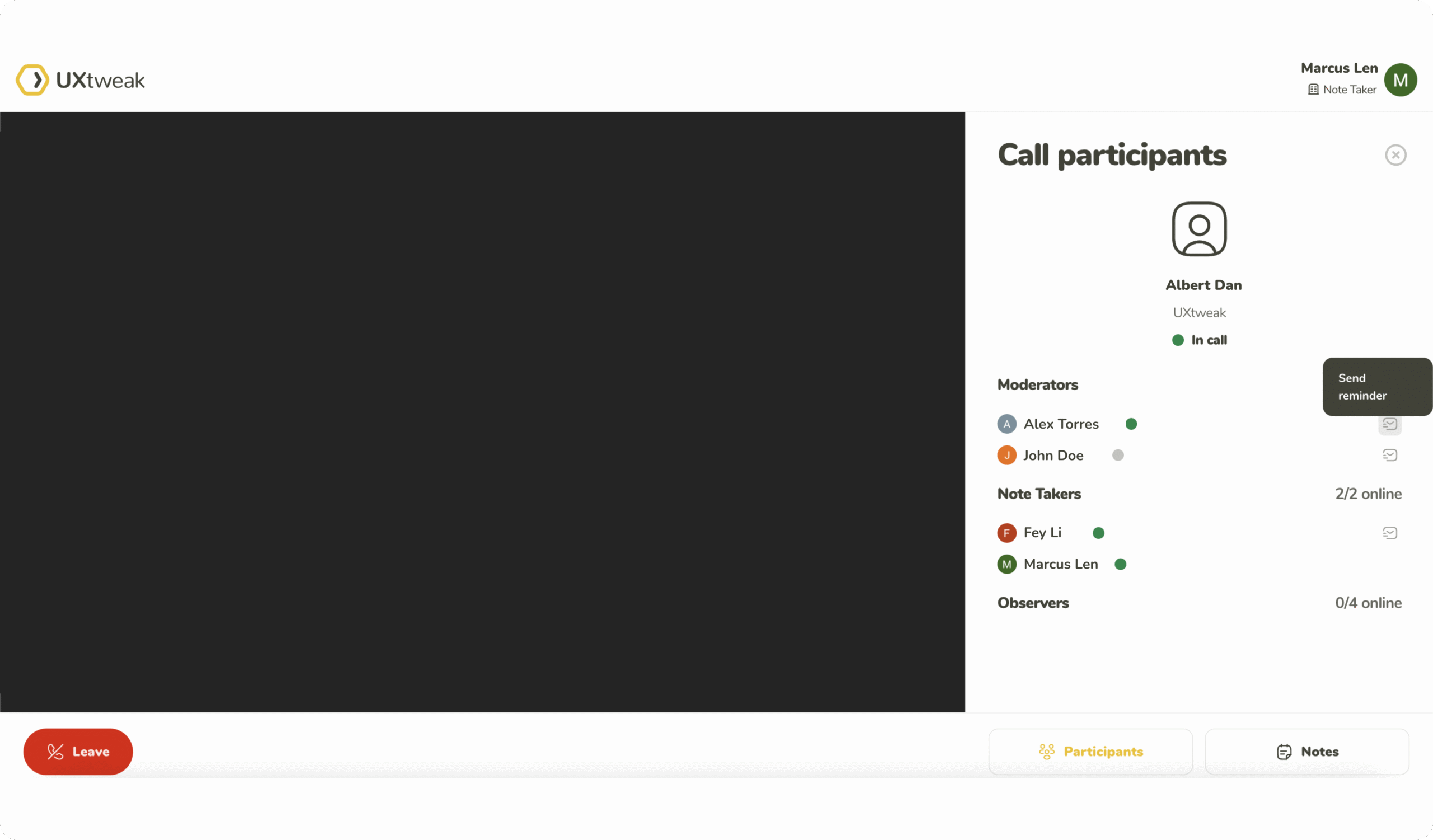
teammates to co-moderate, take notes and observe.
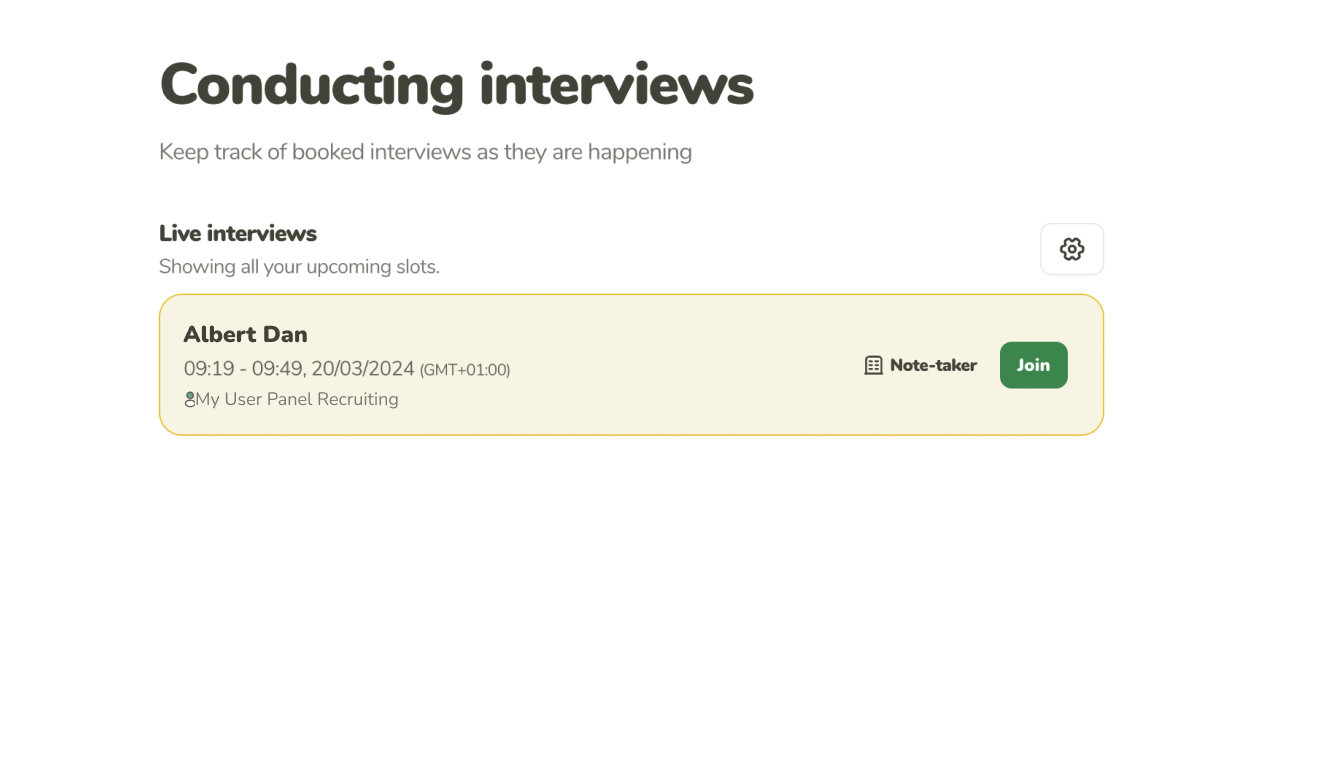
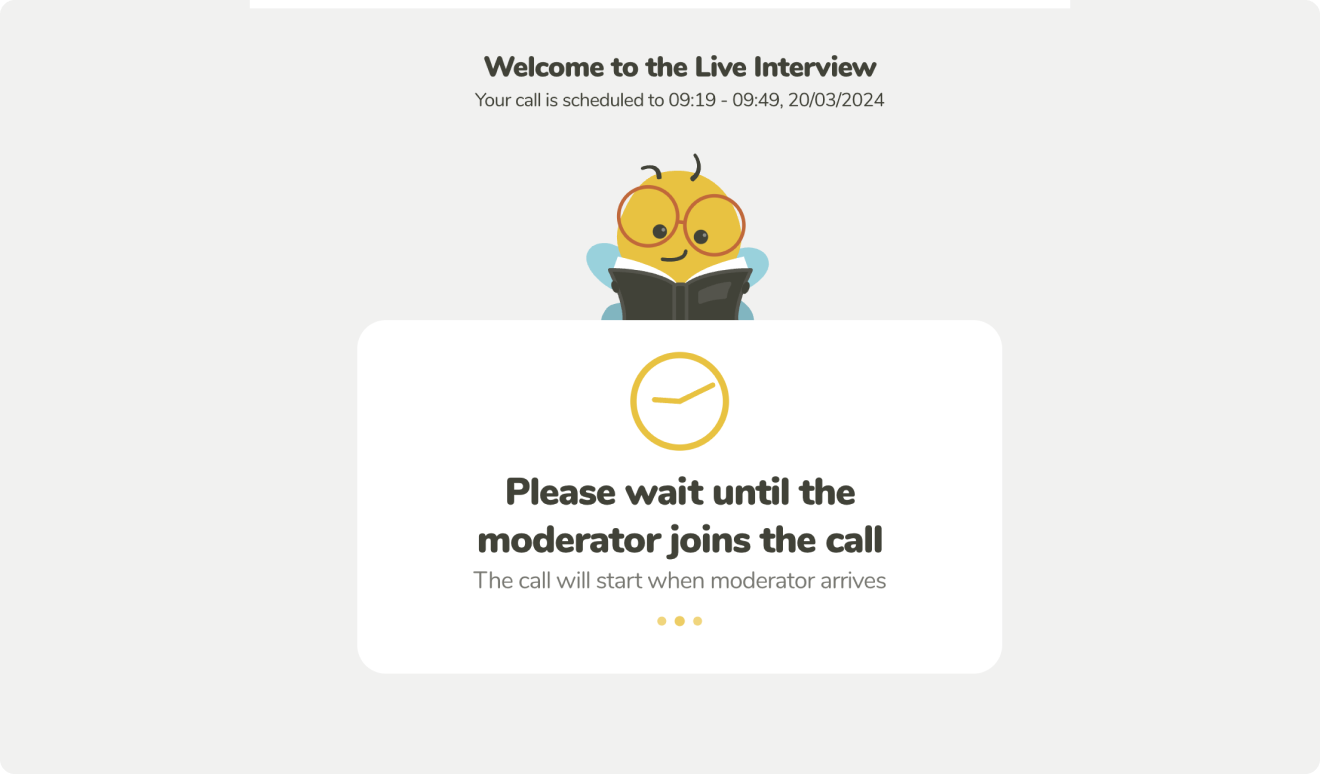
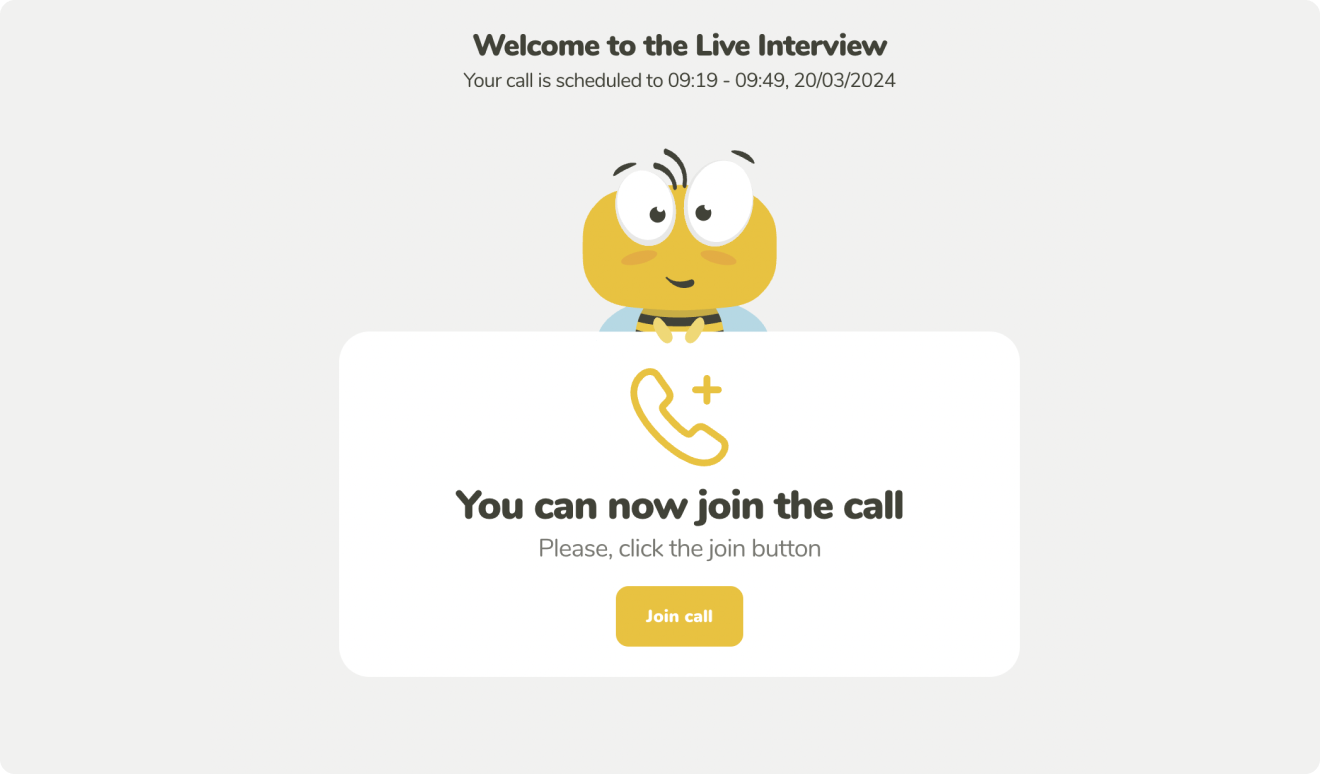
Join the calls directly from your dashboard. Review the upcoming scheduled time slots. Guide the participants
through your study and gather invaluable insights.
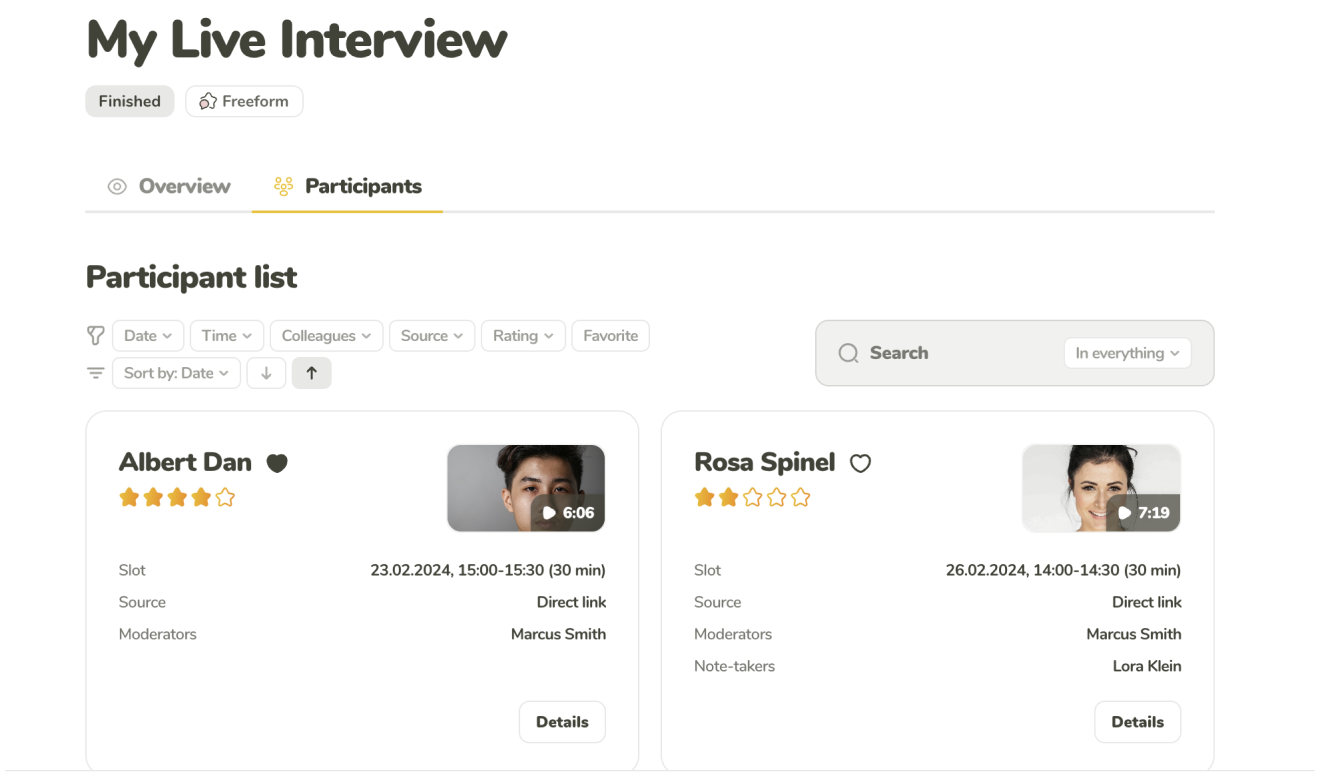
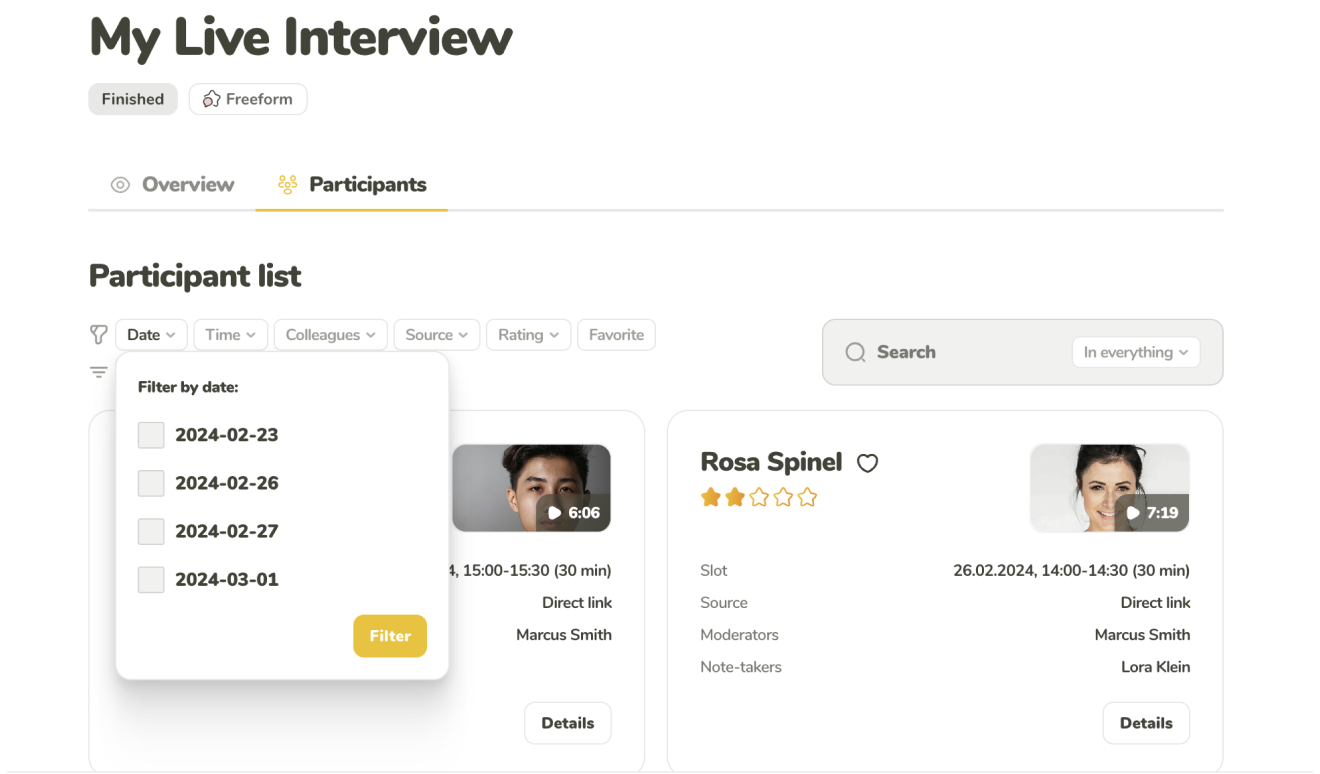
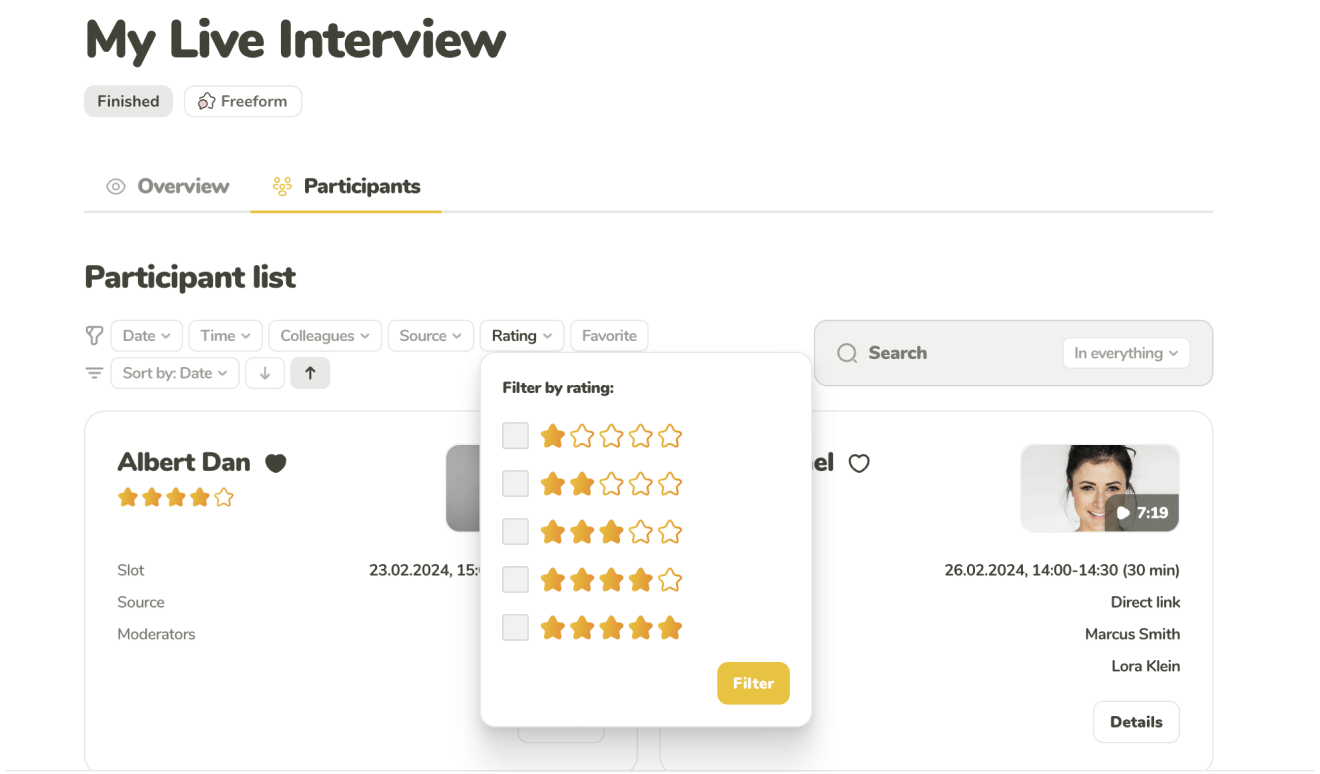
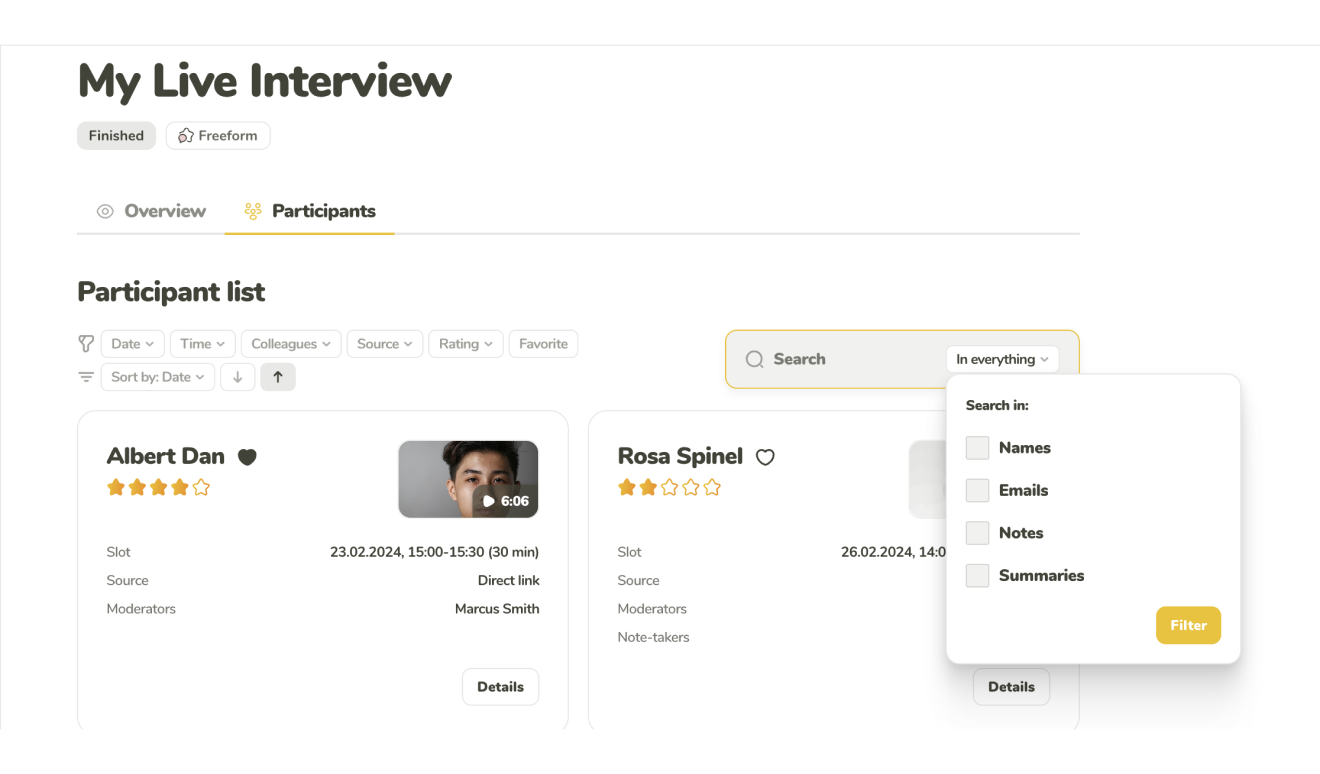
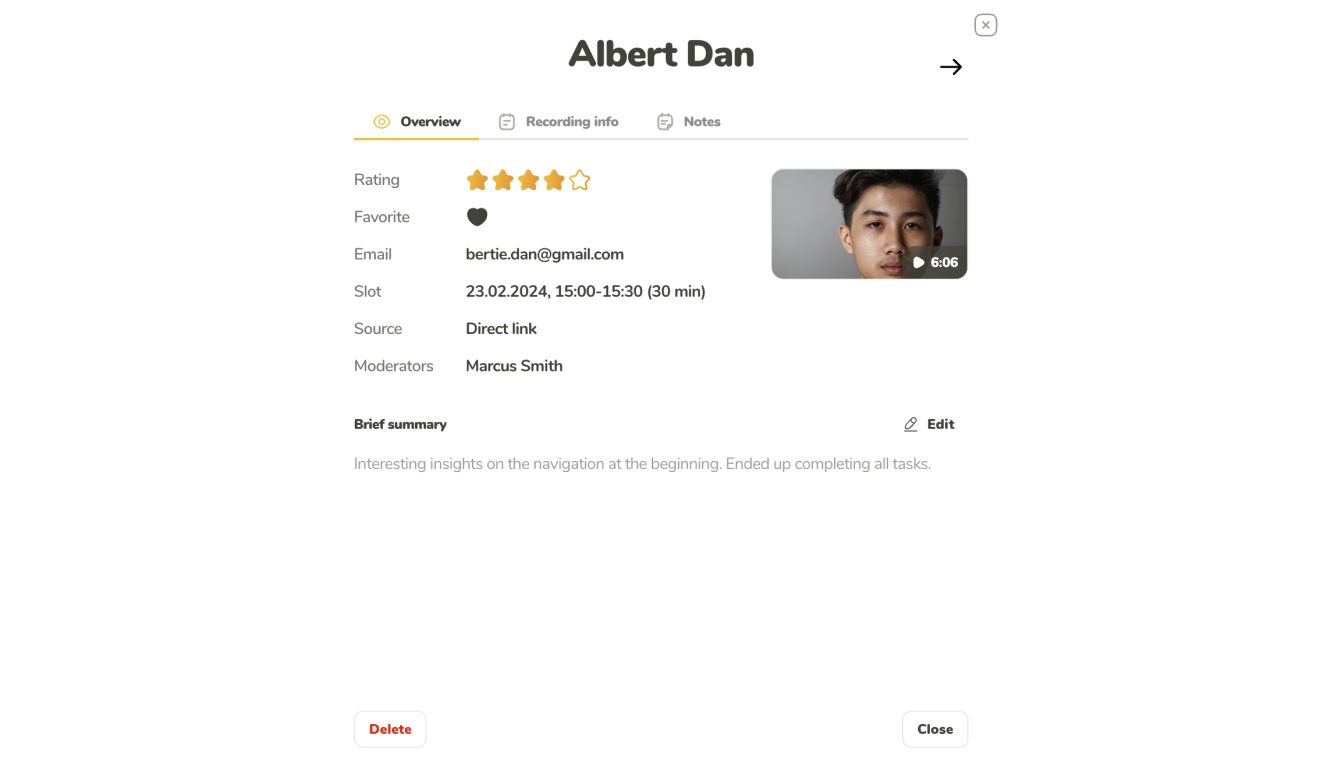
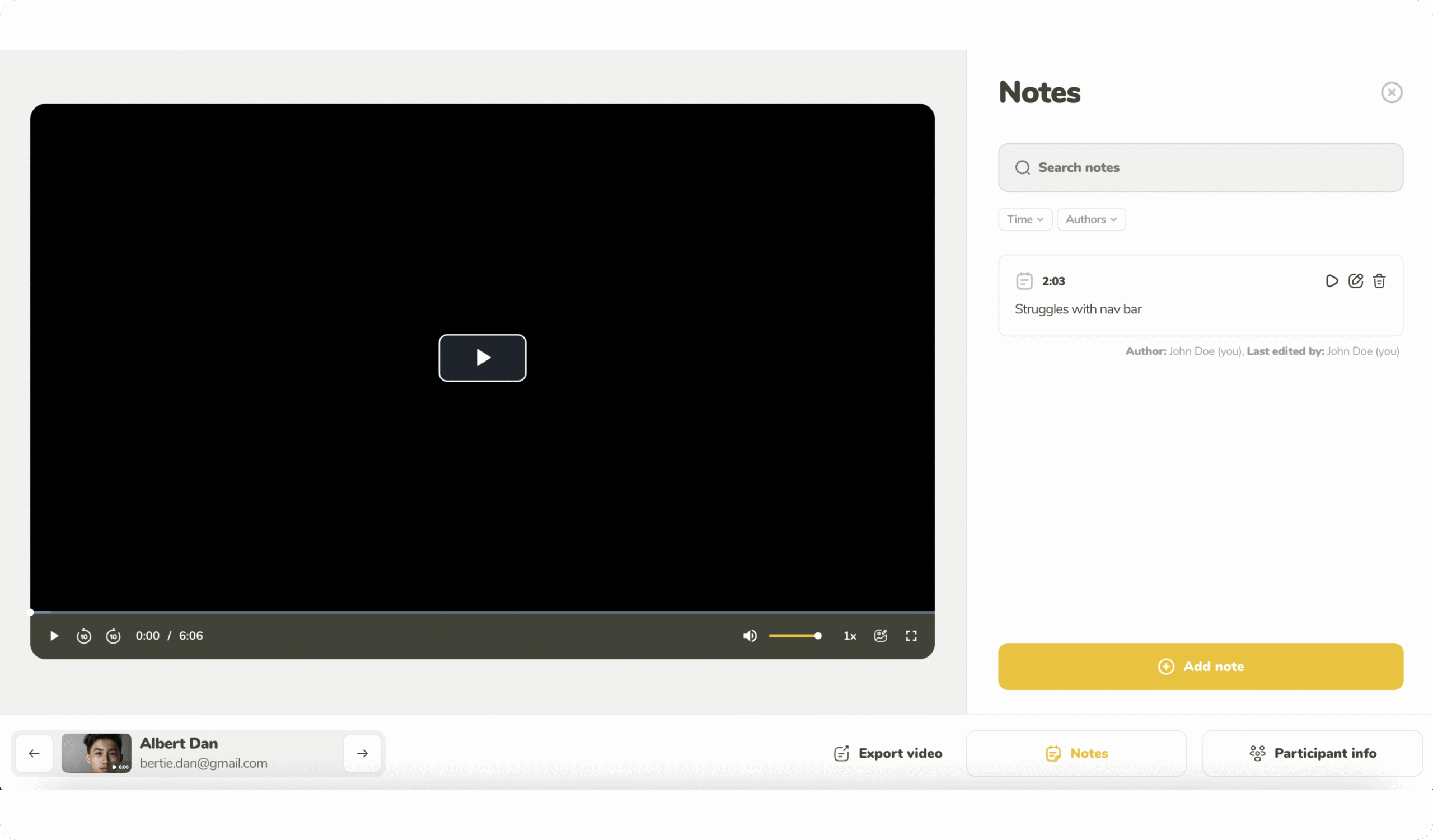
Rewatch recordings of all your calls. Summarize your
findings. Add notes with time stamps and hashtags. Rate
and filter your participants to easier comb through all the results.
|
|
Moderator
|
Note-taker
|
Observer
|
|---|---|---|---|
|
Role in the interview
|
Directly interacts with the participant throughout the interview.
|
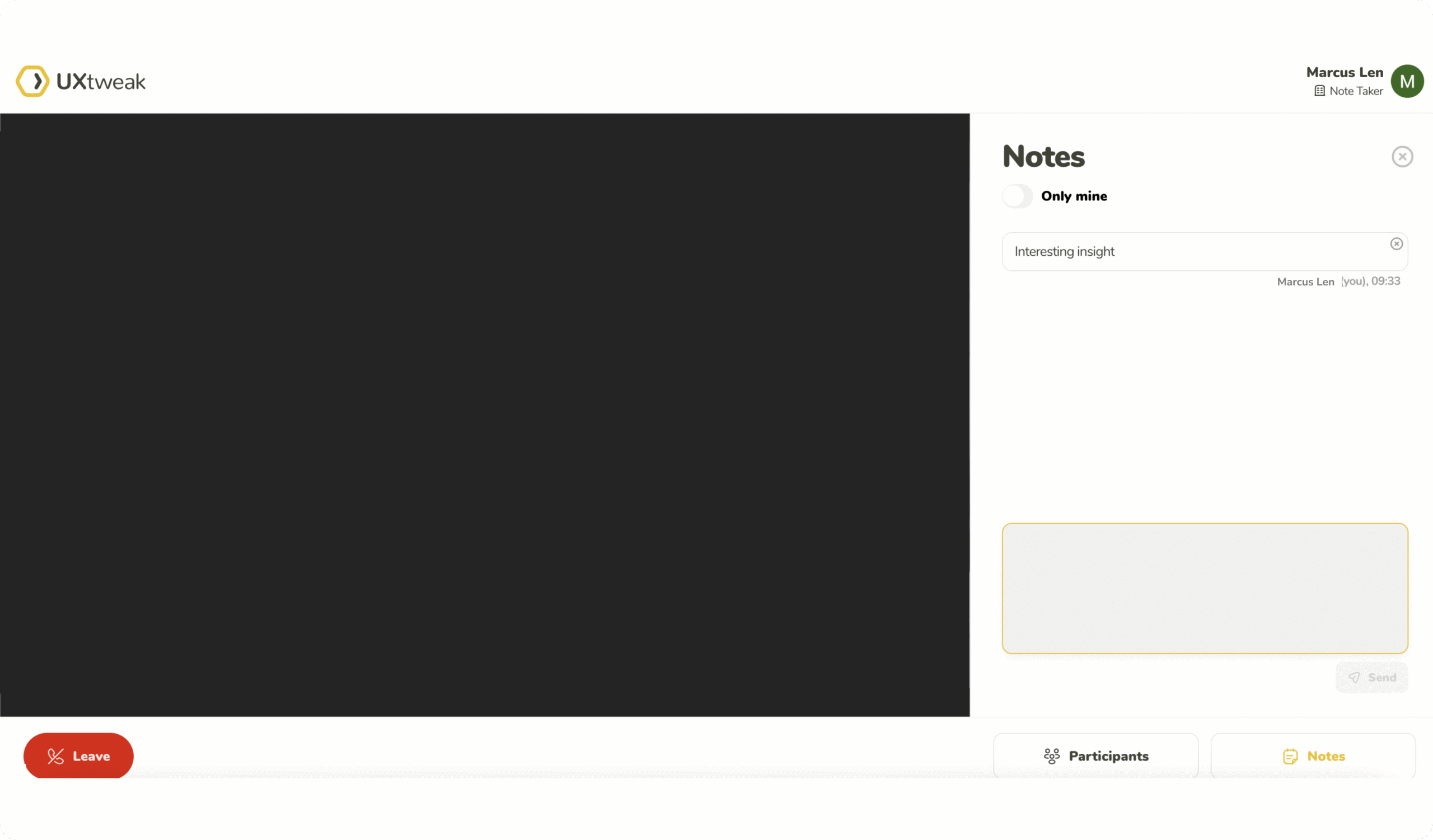
Creates time-stamped notes to help the Moderator
|
Watches a live stream of the interview. Ideal for stakeholders.
|
|
Live view of the interview
|

|
|
|
|
Visible to participants
|
|

|
|
|
Webcam and microphone
|
|
|
|
|
Text chat with participant
|
|
|
|
|
Time-stamped notes
|
|
|
|
|
Requires UXtweak license
|
|
|
|
|
|
|
|
|
Freeform Interview is great fit to discuss the preferences and opinions of your users or if you would like to adapt your interview on the fly. If you would like to conduct a more structured interview simply create a moderated version of the best fitting study type in UXtweak using the Study Interviews option.



Use the Own Database and its mailing system to recruit participant from your own pool. Simply import them using a .csv or .xlsx file and start inviting them right away.

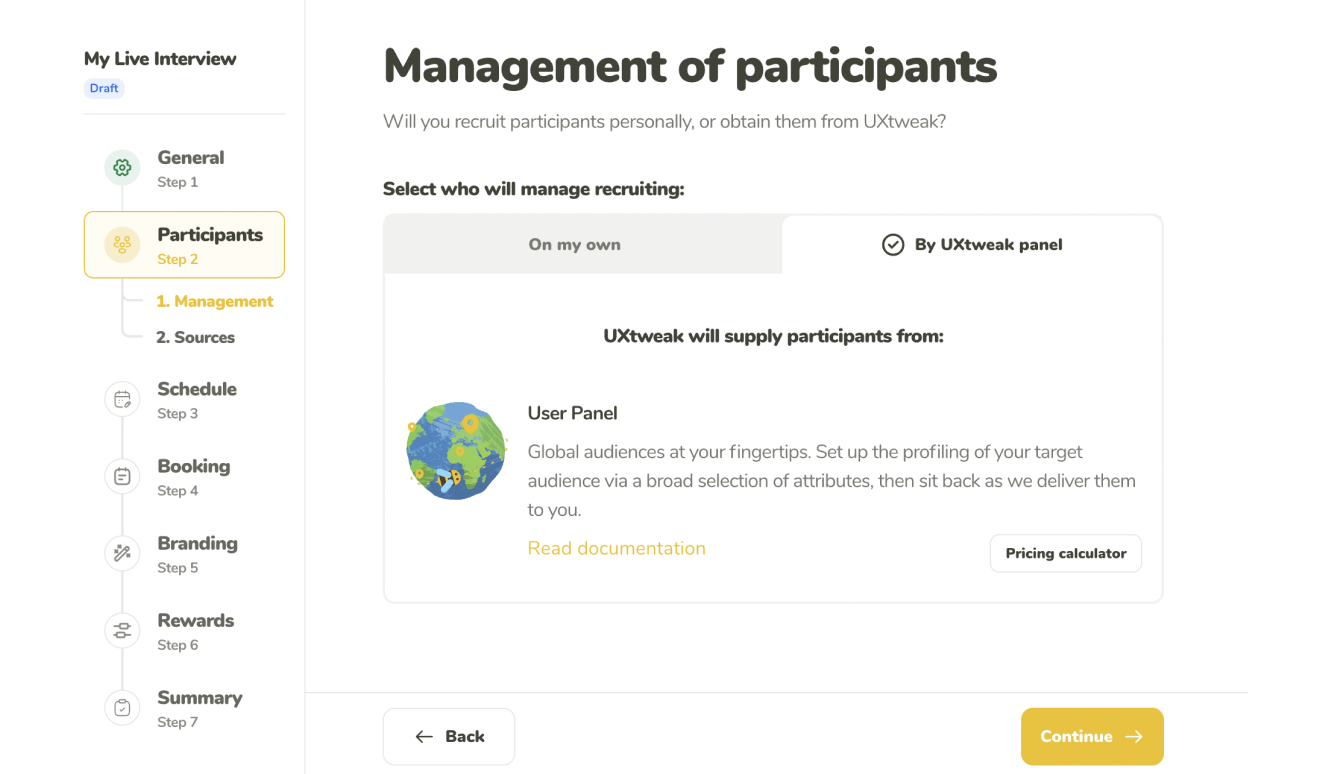
Pick what kind of respondent you’re looking for (by country, age, gender and plenty of other attributes) and have them delivered directly by using the User Panel tool.

The best respondents are your customers. Insert the Recruiting Widget into your website to get data directly from your users.
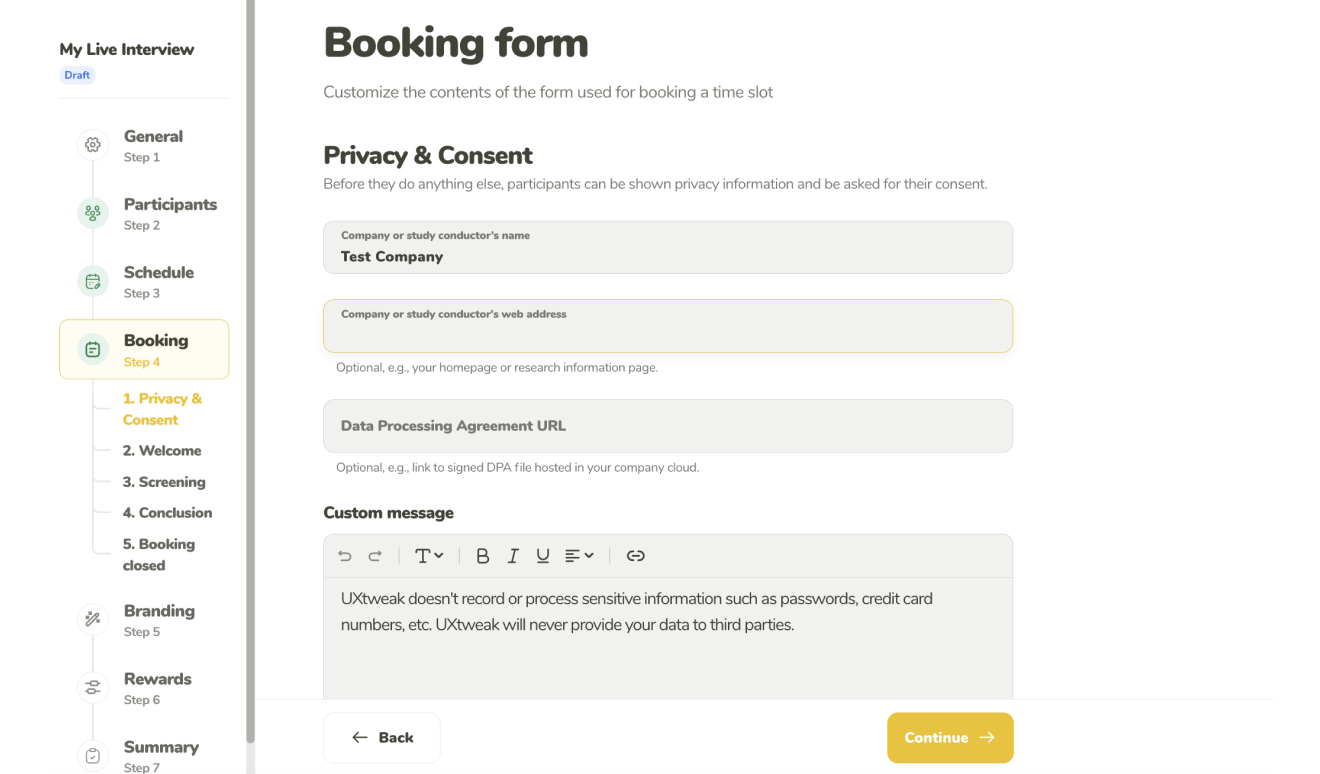
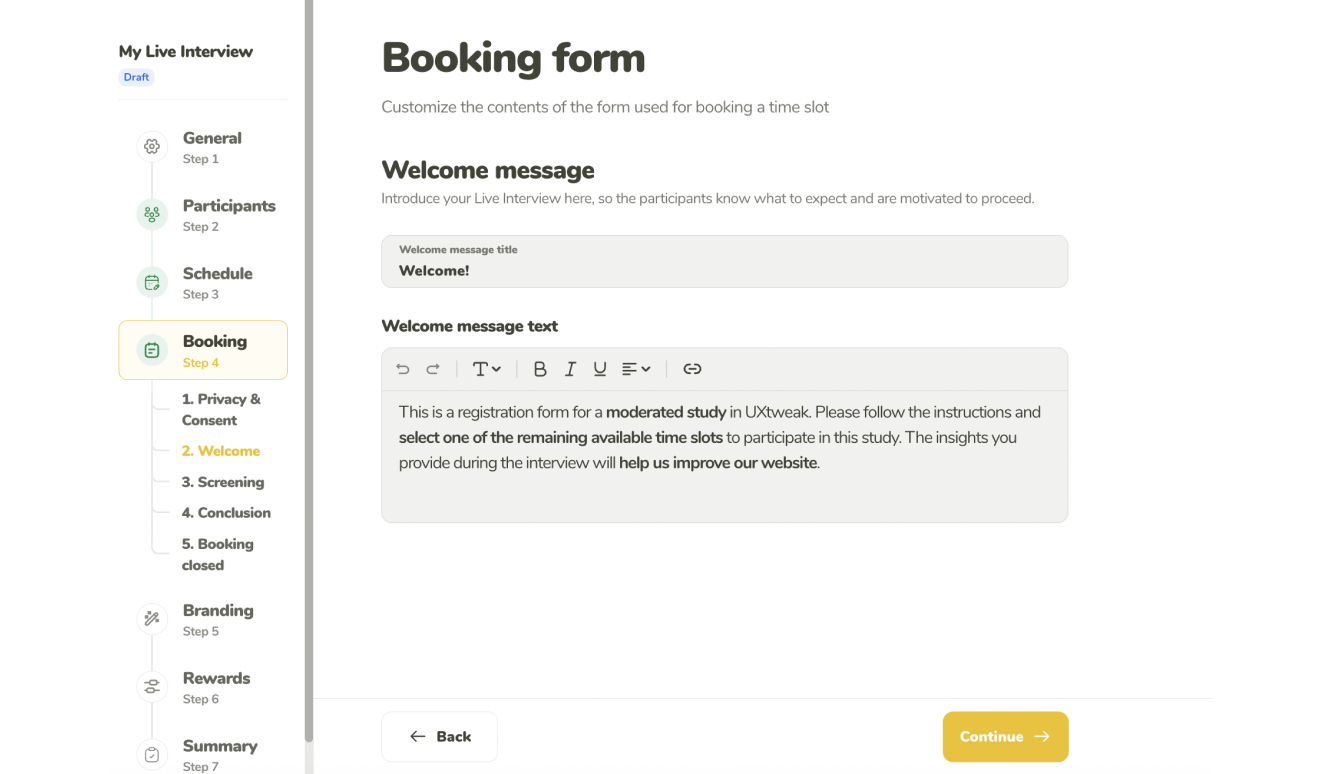
Take the registration link for your interview and share it through your own channels (e.g. though email, CRM or social media).